
Field notes
OpenAI made agent control physical. Here's how to copy it.
OpenAI's first branded hardware is a $230 control pad for coding agents, and it sold out in under a day. I could not buy one. So I went looking for how close you can get with a Stream Deck and an open-source repo, and the answer is closer than I expected.
OpenAI shipped a keyboard. Not the Jony Ive device everyone keeps speculating about, something much smaller and stranger: a control pad for driving AI coding agents, made with a keyboard company called Work Louder, priced at $230, gone in under twenty-four hours.
I did not manage to get one. What stuck with me was not the hardware though. It was the premise.
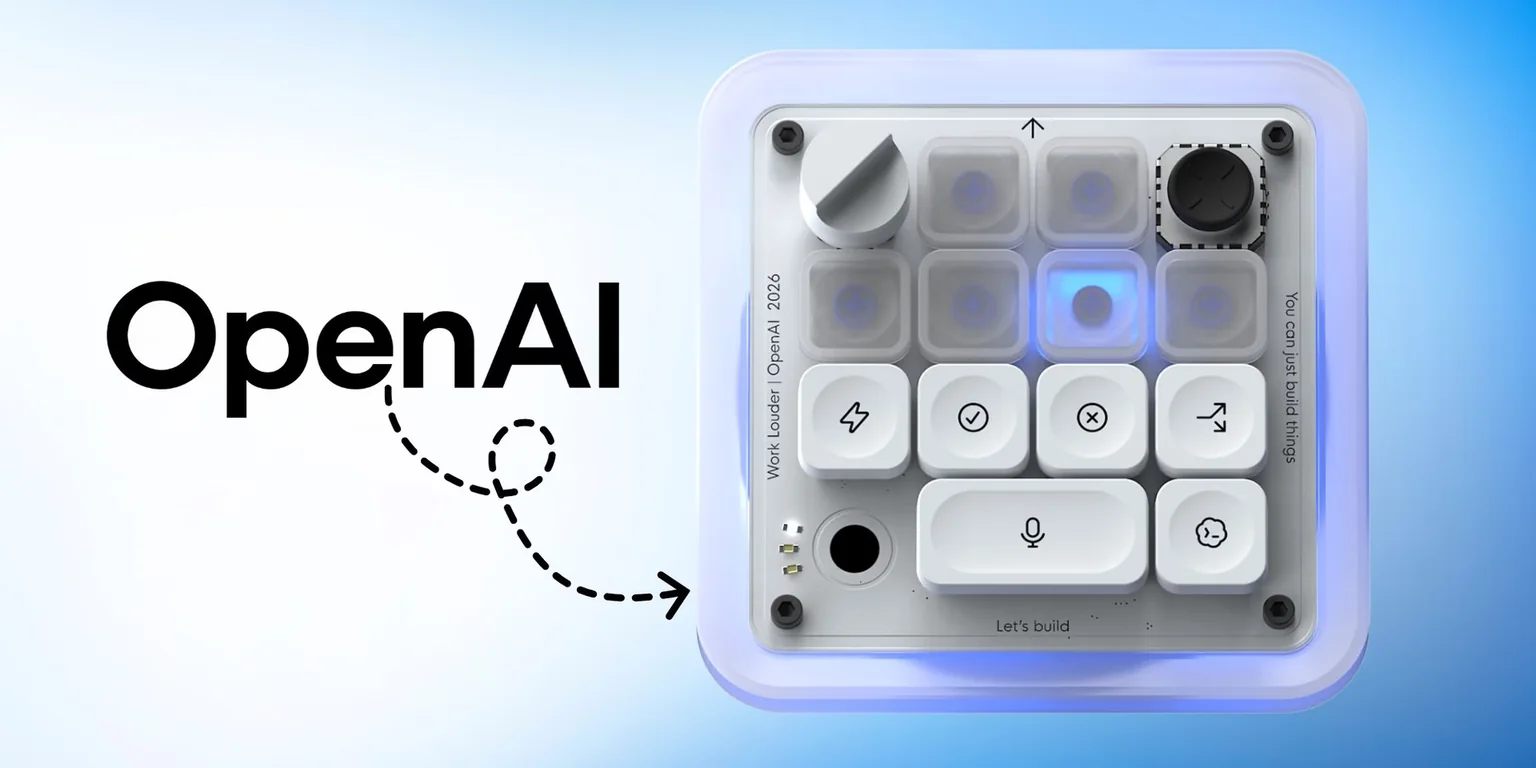
What Codex Micro actually is
Thirteen mechanical switches, a touch sensor, a rotary encoder, a small planar joystick, RGB lighting, and it connects over Bluetooth or USB-C. OpenAI maps those controls onto the things you do all day when you work with Codex: fire off a review, a debug run or a refactor, approve what the agent is asking for, start a new chat, hold a key to talk to it, watch a light change as the agent moves between thinking, waiting and done. The encoder changes the reasoning level.
That last detail is the one I keep coming back to. A physical dial for how hard the model should think.
Do you need any of this? Honestly, no. You can do nearly all of it from your phone. But if you are somebody who runs three or four coding agents at once, all day, then knowing which one needs you without alt-tabbing through terminals starts to sound less like a toy.
The story is not that OpenAI built a nice keyboard. It is that agent orchestration just became a physical interface, and the useful part of that is buildable today.
Why you can rebuild most of it right now
I spent a while digging into whether this was actually feasible or just a fun idea, and the honest answer is that three layers you need already exist and are public.
Programmable hardware. A Stream Deck is a grid of tiny LCD screens with buttons behind them, plus pages and folders so six physical keys can hold far more than six actions. The Stream Deck+ adds four rotary encoders and a touch strip, which is the closest thing on the market to that reasoning dial.
A supported way in. Elgato's desktop app handles the USB side and exposes a local WebSocket interface for plugins. You are not reverse engineering a USB protocol. There is a documented door.
Real agent interfaces. This is the part that makes it work properly. Codex exposes an app-server, an SDK and a JSONL execution mode: you can start and resume threads, receive streamed lifecycle events, and interrupt a running turn. Claude Code has deterministic lifecycle hooks plus a headless mode.
That last layer matters more than the hardware. It means a serious build is event-driven. The agent tells your bridge what state it is in. You are not screen-scraping a terminal and guessing from a spinner animation whether something is still running.
The repo that proves it: AgentDeck
While I was researching this I found an open-source project that had already gone and built the thing, and it changed my plan entirely.
 github.com/puritysb/AgentDeck
MIT
github.com/puritysb/AgentDeck
MIT
An open-source project that turns a Stream Deck into a controller for Codex, Claude Code and OpenCode. It runs a local daemon as the hub, with session bridges that wrap each agent CLI and broadcast state out to whatever surfaces are connected: the deck, a phone, an ESP32 display, a terminal.
It ships Stream Deck profiles for the Mini, the standard 15-key and the Plus. macOS and Windows are supported. Linux is not, so check that before you order anything.
I read through the code rather than just the README, because a repo that demos well and works badly is a normal thing on GitHub. This one holds up. There is real bridge code, actual agent adapters, lifecycle hooks, profiles, tests.
The design decision I liked most: for Codex it installs lifecycle hooks into ~/.codex/config.toml and treats those events as the source of truth, with terminal parsing kept only as a fallback for tools that have no event interface. For Claude Code it installs command or HTTP hooks. That is the right way round. The repo's own docs admit that the regex-based terminal parsing breaks whenever an agent CLI changes how it renders, which is exactly why it should not be the primary path.
It is young, though. Some 1.0 distribution channels were still pending when I looked, release downloads were low, and there are open issues around Codex Desktop discovery and remote sessions. Use it as a starting point or a reference architecture. Do not expect a finished consumer product.
How the whole thing fits together
Here is the shape of a build that works, whether you use AgentDeck directly or write your own smaller bridge around it.
 ElgatoAgentDeck
 Codex
Codex Claude
The loop that makes it feel good is the green one. Commands going out are the easy half. State coming back is what turns a macro pad into a command center, because the keys stop being buttons and become a live picture of what every agent is doing.
What it costs in India
I priced this out on Amazon India in the middle of July. Treat these as a snapshot, since listings and import fees move around.
| Device | Price | What you get | Verdict |
|---|---|---|---|
| Stream Deck Mini | ₹9,526 | 6 LCD keys, pages and folders | Best first buy |
| Stream Deck Neo | ₹10,286 | 8 keys, infobar, page sensors | No bundled profile yet |
| Stream Deck MK.2 | ₹16,569 | 15 LCD keys | Best overview surface |
| Stream Deck+ | ₹20,816 | 8 keys, 4 encoders, touch strip | Closest to the real thing |
| Codex Micro | $230 | 13 switches, joystick, encoder | Sold out |
| Your phone | ₹0 | Touch UI, same bridge | Test the idea first |
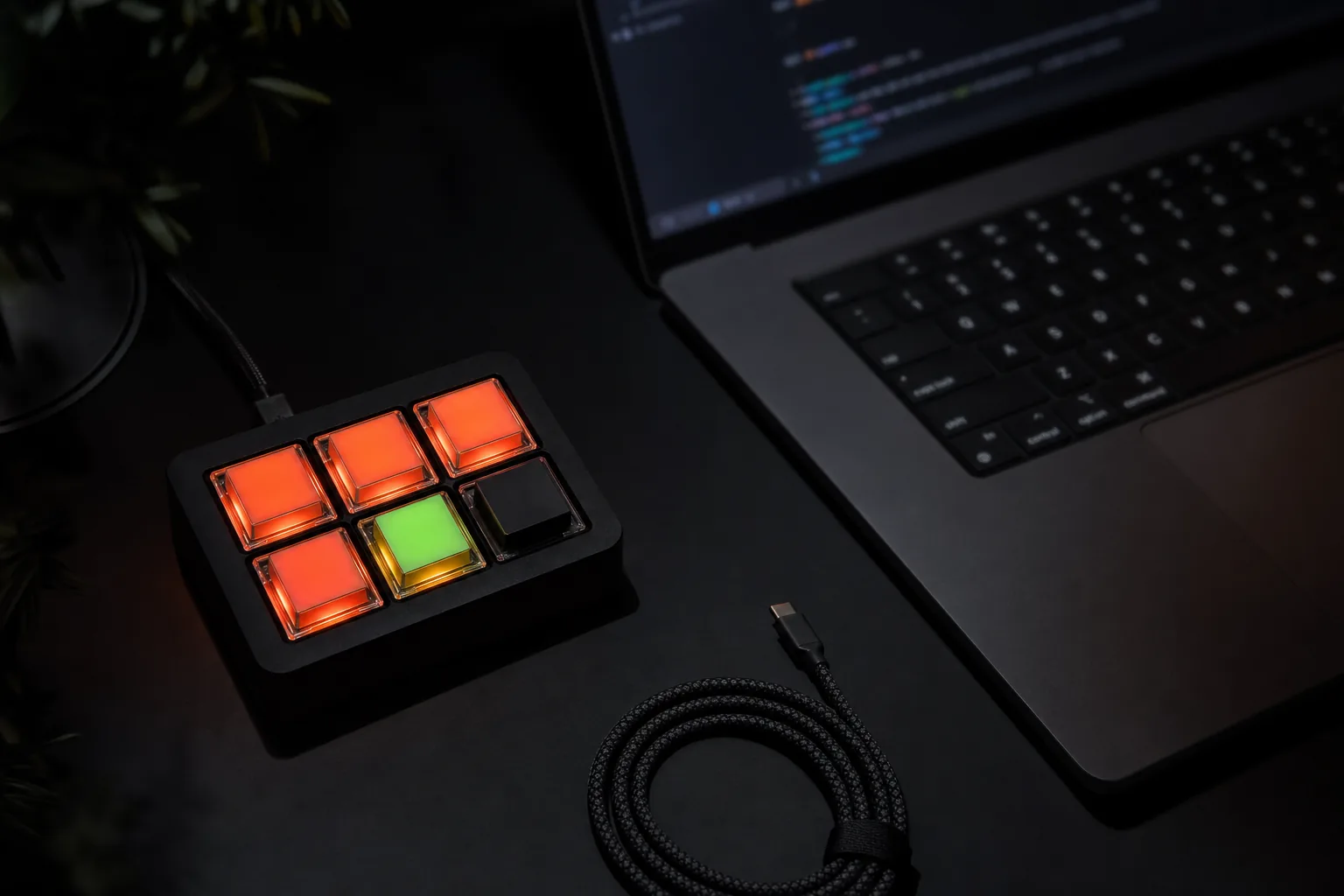
Six keys sounds restrictive until you remember that pages and folders mean the logical action count is much higher, and that every key is a screen. The same physical square can read "Codex running" then "waiting for approval" then "done" without you touching anything. A cheap macro pad that only fires keyboard shortcuts cannot do that, which is the whole reason a Stream Deck is the right base and a generic pad is not.
What you cannot reproduce: the industrial design, the joystick, and whatever private integration OpenAI has with the ChatGPT desktop app. On my read you get somewhere around 80 to 90% of the useful behaviour and none of the object.
My honest advice is to try it on your phone before buying anything. Same bridge, touch instead of keys. If you find you never use it, you saved ten thousand rupees.
The button you should be careful with
There is one part of this I would not rush, and it is the part that looks most fun in a demo.
A physical approve key is a single press that can authorise an agent to run shell commands or touch your filesystem. On a keyboard sitting on a desk, next to your coffee, where you press things partly from muscle memory. That is a genuinely bad combination if you build it carelessly.
If you build the approval key, build it like this
Show what is being requested on a screen before anything can be approved. Require a hold or a double action for anything risky, so a brush of the hand cannot authorise a command. Never wire up a universal "always allow" key, however tempting it is on day three.
Bind the bridge to localhost by default. If you want to control agents from your phone across the LAN, put a token on it. And keep a visible emergency stop that kills every running session, because the moment you want one you will want it immediately.
The tactile approval button is the best idea in the product and the easiest one to get wrong.
Where I actually am with this
I should be straight about this: my Stream Deck has not arrived yet, so I have not built the thing. This post is the research, not the finished project.
What I can tell you is that the route is real. The hardware is on Amazon, the repo works and is MIT licensed, the agent event interfaces are documented and public, and somebody has already proved the whole path end to end. The remaining work is software, and I have Claude Code for that.
My plan is the Mini first, because if six keys turn out to be enough then the ₹20,000 version was never necessary, and because a cheap version that I actually use beats an expensive one that impresses people on video. I will write up what breaks.
If you want the sixty-second version of this, it is on YouTube here. And if you build one before I do, I want to see it.